Tuto
Coding Solution Explanation
Create an account with the Coding Solution extension
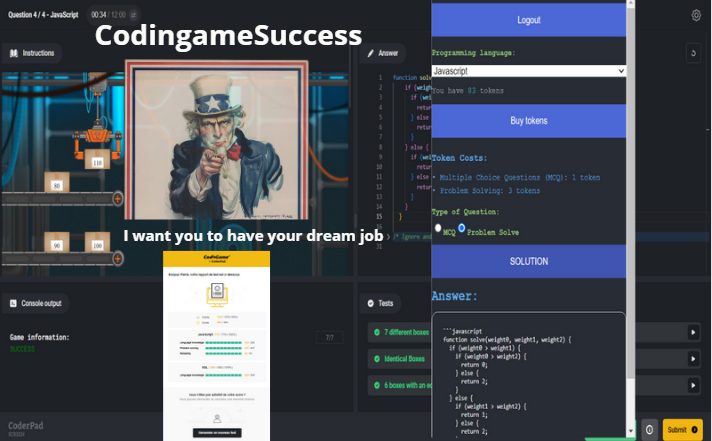
How to use Coding Solutions:
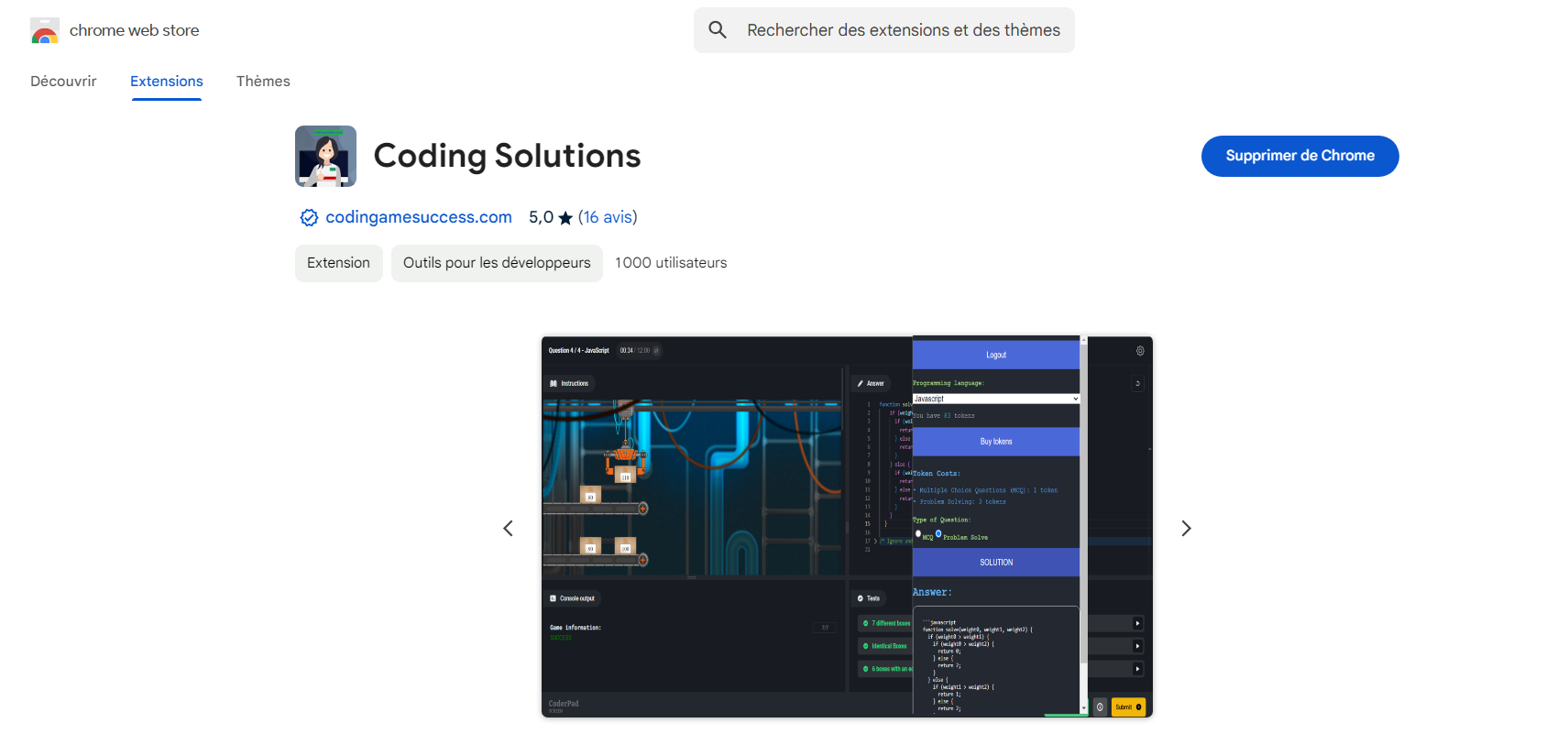
1) Install the extension from the Chrome Web Store and create your account.
2) Open a practice exercise (CodinGame, HackerRank, LeetCode…) or a technical multiple-choice question.
3) Choose "MCQ" or "Problem Solving", then click "SOLUTION".
4) Keep the extension open while it analyses the problem: the solution appears in a few seconds.
5) Read the step-by-step explanation, then rewrite the code yourself to really understand it.
6) Solve the exercise again without help to check you master the approach.
1 question = 1 token. If something goes wrong, your tokens are refunded.
Coding Solution Solution
Find some solution with our free website
Question list
Solutions to 39 CodinGame puzzles are explained for free on this site, with commented code. For exercises that are not covered, the Coding Solutions extension reads the problem on your screen and explains the approach step by step.
Welcome
Coding Solution Solutions
Efficient Coding Solution Solutions
At Coding Solution, we provide efficient solutions for various Coding Solution challenges such as: ASCII Art, Defibrillators, Ghost Legs, Horse-racing Duals, Logic gates, MIME Type, Retro Typewriter Art, Temperatures, The Descent, and Unary. We strive to provide solutions that not only solve the problems but do so in an optimal and efficient manner. We understand that Coding Solution challenges are not just tests of coding skills but also opportunities to learn and improve your problem-solving and programming skills.
 Coding tests & MCQ